Minecraft Java wildlife guide

Naturalist mod download, setup & compatibility

A compact, version-first resource for understanding Naturalist, preparing a safe installation and solving common loader or compatibility problems.

Minecraft JavaFabric • Forge • NeoForgeIndependent guide
Original Naturalist mod wildlife guide illustration
What is Naturalist?

A wildlife mod built around more active exploration

Naturalist expands Minecraft Java with a broad set of animals and variants, aiming to make encounters feel connected to the world rather than simply decorative.

Current project listings describe support across Fabric, Forge and NeoForge builds, with exact availability depending on the Minecraft version. Always match the file to your loader and game version.

Download Now
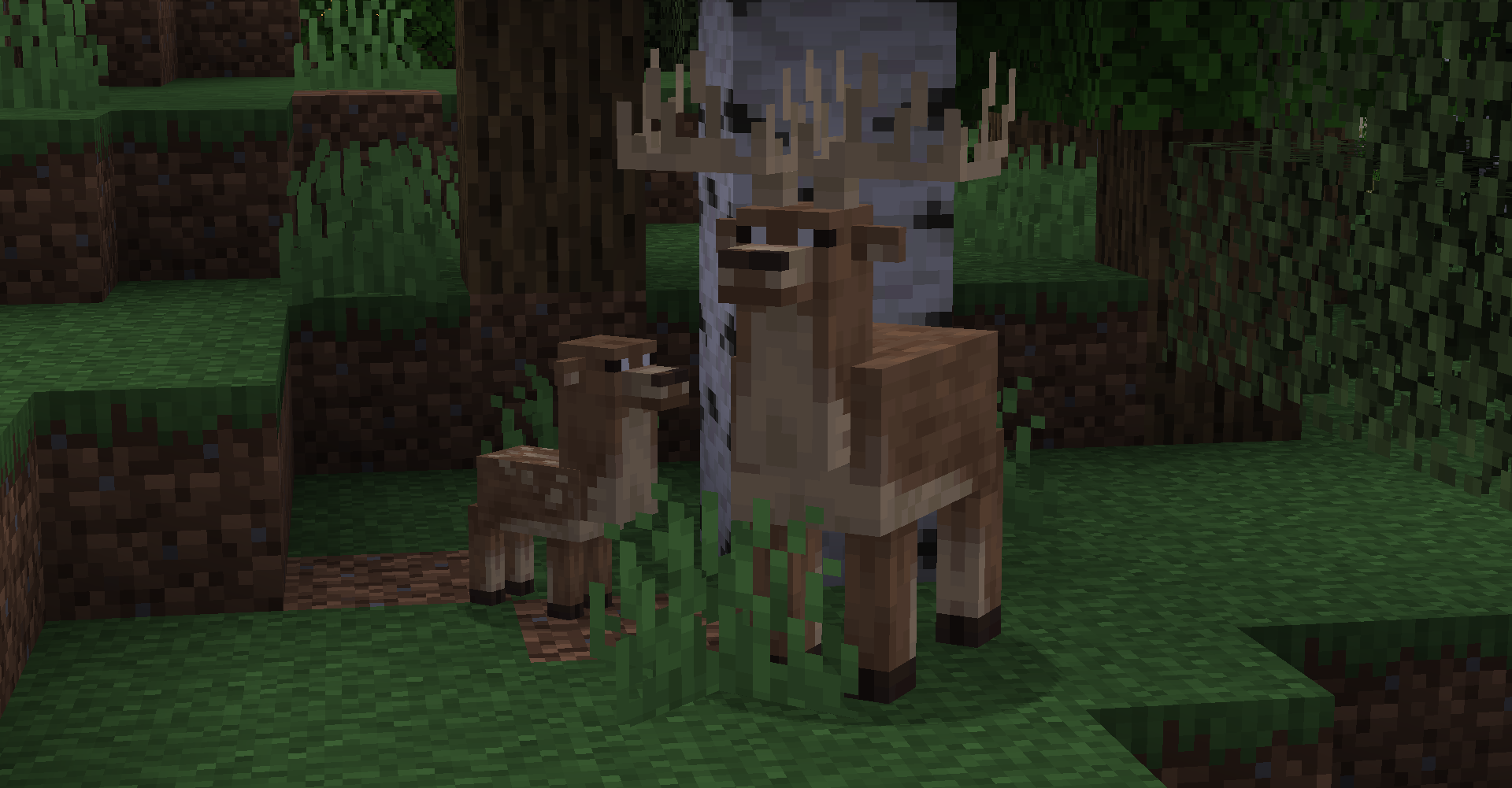
Abstract wildlife illustration for Naturalist mod
Features

Small utility cards, clear information

The Minimal Utility design keeps the page quick to scan while highlighting the details that matter before you change a modded profile.

47

Animal variety

Project listings currently describe 47 animals plus numerous variants, creating more wildlife encounters across different environments.

AI

Behavior focus

Many additions are designed with interactions, hunting, reactions or other behavior so wildlife feels more integrated into play.

3×

Loader options

Naturalist has releases across Fabric, Forge and NeoForge ecosystems, though support is version-specific.

↺

World continuity

Because the mod adds entities and world content, backups are an important part of updates, testing and removal.

How it works

Match first, install second

Most mod setup issues start before launch: the game version, loader and mod file need to belong to the same compatibility set.

Identify your Minecraft version

Start with the exact Java Edition version used by your profile or server.

Match the loader

Choose a Naturalist package for Fabric, Forge or NeoForge as required by your profile.

Back up and test

Protect your world, install the packaged JAR in the mods folder, then test before adding more changes.

Compatibility

Know what each label means

A loader name is not interchangeable, and a source ZIP is not equivalent to a ready-to-run mod JAR.

Platform / fileWhat it meansGuidance
NeoForgeJava mod-loader ecosystemUse only a Naturalist build made for your NeoForge and Minecraft versions.
FabricJava mod-loader ecosystemUse the Fabric release that matches your game version and required environment.
ForgeJava mod-loader ecosystemSupported on selected Minecraft versions; do not assume every release has a Forge build.
Bedrock / MCPEDifferent Minecraft editionJava loader packages are not directly installable as Bedrock or MCPE add-ons.
Provided ZIP1.21.1-NeoForge source branch archiveUseful as source material; it is not a standard packaged mod installer.
Use cases

Where Naturalist fits best

Exploration-heavy survival

More animal encounters can make travel and biome discovery feel less empty in long-running worlds.

Nature-focused modpacks

Its wildlife theme can complement packs centered on world ambience, building, farming or exploration.

Multiplayer worlds

When server and clients use matching builds, wildlife additions can become shared points of discovery.
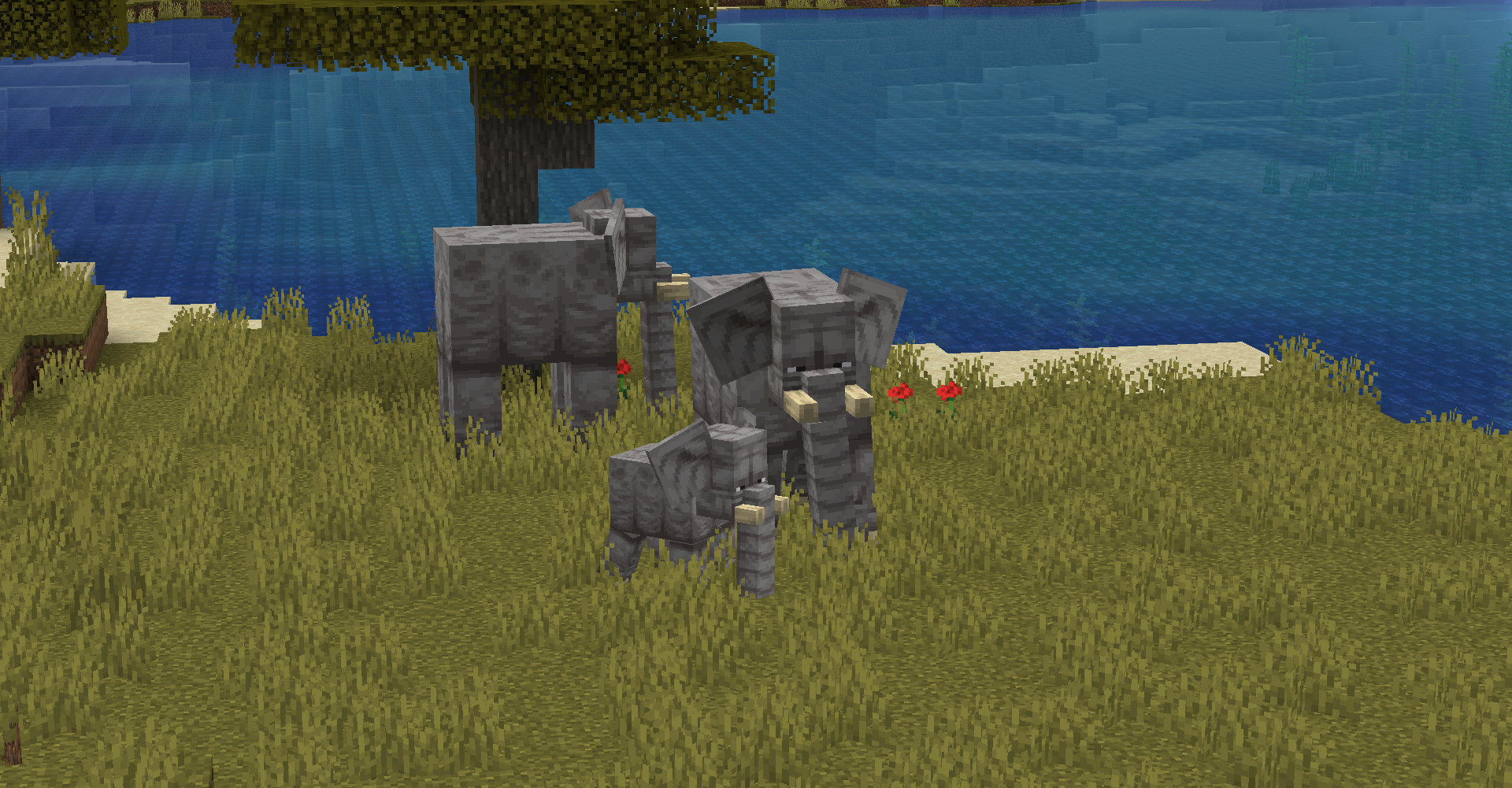
Installation / setup

A clean setup checklist

  • Confirm Minecraft Java Edition version.
  • Choose the correct mod loader profile.
  • Back up important worlds.
  • Use a packaged Naturalist JAR matching that profile.
  • Place it in the active profile’s mods folder.
  • Launch with a minimal mod set first.
  • Add other mods back in stages if troubleshooting.
Important: the supplied download URL on this site points to a source-code ZIP. A source archive is not installed like a packaged mod JAR.
Original download and setup illustration
Download

Download Naturalist mod source archive

This provided file targets the 1.21.1-NeoForge project branch. It is a GitHub source ZIP, not a packaged player-ready JAR.

Download Naturalist mod
File type
Source ZIP archive
Branch
1.21.1-NeoForge
Before using
Back up worlds and verify the file type you actually need.
Safety notice

Keep mod changes reversible

Use backups. Create a copy of important worlds before installing, updating or removing content mods.
Check file identity. A Java mod JAR, source ZIP and Android APK are different things. Do not treat similarly named files as interchangeable.
Pros and cons

What to expect before you add it

Pros

Why players choose Naturalist

  • Large wildlife roster and variants.
  • Behavior-oriented animal design.
  • Builds across common Java mod loaders.
  • Strong fit for exploration-focused worlds.
Trade-offs

What needs extra care

  • Loader and game versions must match.
  • Content mods can affect performance and world data.
  • Multiplayer requires coordinated versions.
  • Source archives are not plug-and-play mod files.
Release information

Version labels are part of the installation

Minecraft 1.21.1

Current project listings include Naturalist releases for 1.21.1 on NeoForge and Fabric. Use the release label rather than assuming cross-loader compatibility.

Older versions

Forge and Fabric packages exist for earlier Minecraft releases. Keep older worlds on the versions they were built around unless you have a tested migration path.

Provided branch ZIP

The download on this page is tied to the 1.21.1-NeoForge source branch. It is best understood as source code rather than a typical player download.

Troubleshooting

Start with the simplest mismatch

Wrong loader

Fabric, Forge and NeoForge builds are not interchangeable.

Wrong game version

Match the exact Minecraft version stated by the release.

Wrong file type

A source ZIP will not behave like a packaged mod JAR.

Mod conflict

Test with a smaller mod set and add other mods back gradually.

Guides preview

Practical Naturalist guides

View All Guides
NeoForge install guide illustration

Naturalist on NeoForge 1.21.1

A version-first installation checklist and what to do with a source ZIP.

Read guide →
Troubleshooting illustration

Fix common Naturalist errors

Work through loader, version, file and conflict checks in a useful order.

Read guide →
Java versus Bedrock illustration

Naturalist on Bedrock or MCPE?

Understand why Java mod-loader packages do not convert into Bedrock add-ons.

Read guide →

Naturalist mod questions

Exactly 20 focused answers, grouped into setup and troubleshooting.

Naturalist is a Minecraft Java Edition wildlife mod that adds many animals, variants and behavior-driven encounters. This site is an independent guide and is not the official mod project.
The main download button on this page uses the supplied GitHub URL for the 1.21.1-NeoForge branch source archive. It is a ZIP of project source, not a packaged mod JAR or installer.
Usually no. A source-code ZIP is not the same thing as a packaged mod JAR. Regular players should use a build packaged for their exact Minecraft version and mod loader.
Install a NeoForge version compatible with your Minecraft version, obtain the matching Naturalist packaged build, place that JAR in the game profile’s mods folder, then start the same NeoForge profile. Back up worlds before changing mods.
Naturalist has Fabric builds, but a Fabric package must match both your Minecraft version and Fabric environment. Do not mix a NeoForge build with Fabric.
Forge builds exist for supported versions. Check the version label of the exact Naturalist file before installing because support differs by Minecraft release.
For a standard Java mod setup, packaged JAR files are placed in the active Minecraft profile’s mods folder. The loader and game version must match the file.
Yes. Back up important worlds before adding, removing or updating mods, especially when a mod introduces world entities or data that may not exist after removal.
Naturalist can be used in client-and-server modded environments when the server and players use compatible versions. Keep the Minecraft version, loader and mod build aligned across the setup.
No. naturalistmod.com is presented as an independent informational download and setup guide. Product names belong to their respective owners.
The most common first checks are Minecraft version mismatch, wrong mod loader, missing required dependencies, conflicting mods or an incompatible Java/runtime setup. Test with a minimal mod set before adding other mods back.
Confirm you launched the correct mod-loader profile and placed a packaged JAR—not a source ZIP—in that profile’s mods folder. Also verify the file targets your Minecraft version.
Fabric, Forge and NeoForge are Java Edition mod-loader ecosystems. Their mod files are not directly installable in Minecraft Bedrock or MCPE.
An APK is an Android application package. Java Edition mod JARs and source archives are different file types, so an APK labeled as this Java mod should not be treated as an equivalent build.
Check that the mod loaded successfully, test in appropriate biomes, review difficulty or server rules, and temporarily disable other spawn-altering mods. Existing world conditions can also affect what appears nearby.
Any content mod can add processing and rendering work. If performance changes, compare the same area with and without the mod, reduce simulation or render distance, and isolate other mods before drawing conclusions.
It may be possible, but make a backup first and read the notes for the version you plan to use. Changes between mod or loader versions can affect saved entities and compatibility.
Removing a content mod can remove or invalidate its entities and related data. Use a backup and expect mod-specific animals or items to disappear when the mod is no longer present.
Record your Minecraft version, loader and loader version, Naturalist file version, Java version, other installed mods and the relevant crash or latest log. Those details usually reveal mismatches faster.
Read the filename and release label carefully, then match the Minecraft version and loader. A file marked Fabric should not be used in NeoForge, and a 1.20.1 build should not be assumed compatible with 1.21.1.